lazy.ps1
Sometimes you need your computer to think you're pushing the period key every 60 seconds. But how?! Well, if you're on Windows 10...


Sometimes you need your computer to think you're pushing the period key every 60 seconds. But how?! Well, if you're on Windows 10...
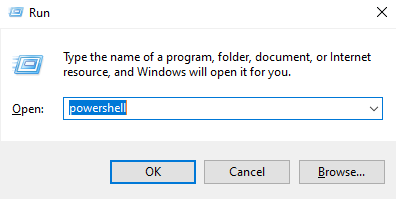
Hold Windows Key + R, type in powershell and hit enter:
Copy the following code to your clipboard:
param($minutes = 60)

$myshell = New-Object -com "Wscript.Shell"

for ($i = 0; $i -lt $minutes; $i++) {
  	Start-Sleep -Seconds 60
  	$myshell.sendkeys(".")
	}
Paste it into the PowerShell window (a single right click should do it).
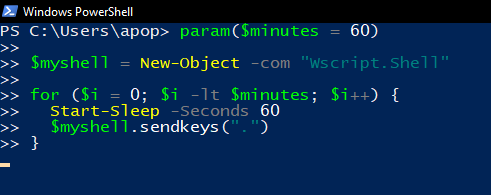
Now your computer will push the period key while you go off to do who knows what. You can close the PowerShell window to stop it, or press ctrl + C and keep on using the terminal if you want.
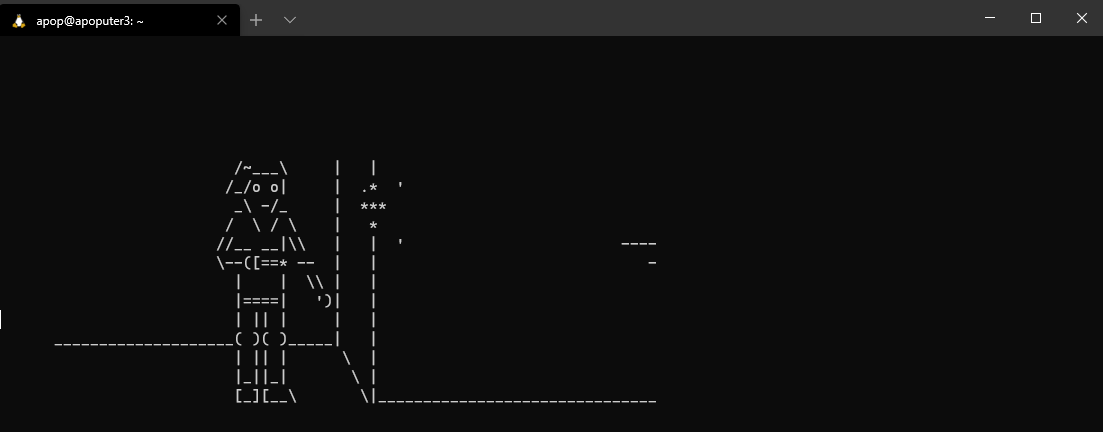
Maybe open up a Linux terminal instead, or download Telnet for PowerShell and type in telnet towel.blinkenlights.nl to watch ASCII Star Wars, now with support for colour if you have an IPv6 address (your phone's data connection probably has one).